Imagine you're preparing to lead a virtual meeting. Your notes are ready, the participants have joined, and it's time to begin. But just as you're about to present, your microphone stops working. The display refuses to connect, and remote participants can't hear a word you're saying.
Sounds like a nightmare, doesn’t it?
With Halloween just around the corner, it's the perfect time to explore the tech troubles that can turn an ordinary meeting into a horror story.
Here are four conference room tech horrors that could haunt your next meeting and what you can do to prevent them.
HORROR 1: MICROPHONE MYSTERIES
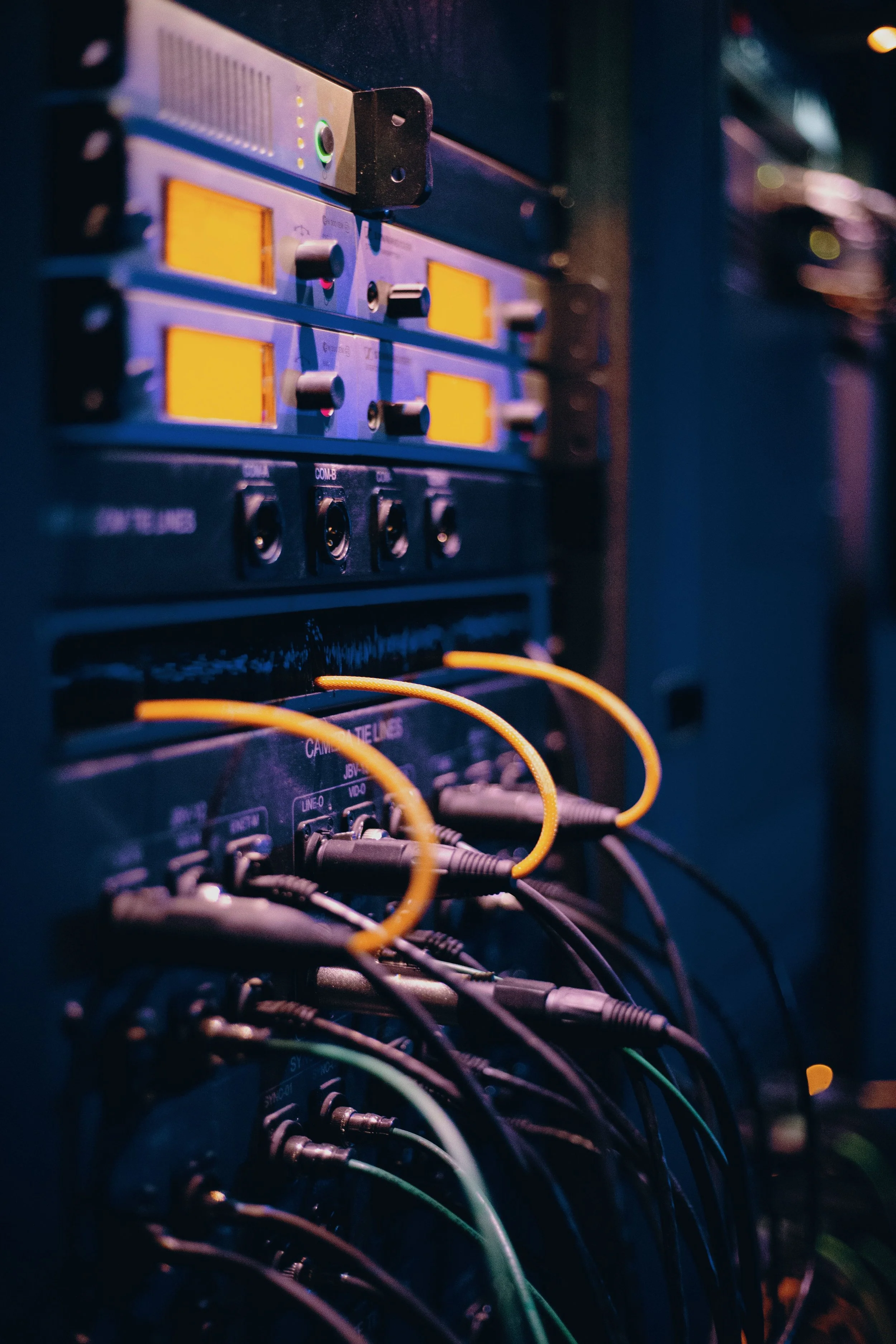
Disruptive echoes, distorted voices, muted microphones, and unexpected audio dropouts can make it difficult to keep a meeting on track. These problems may be caused by incorrect audio settings, poor microphone placement, room acoustics, or improperly configured equipment. The result? Interrupted presentations, frustrated participants, and wasted time during remote and hybrid meetings.
Fortunately, these microphone mysteries don't have to remain unsolved. Choosing the right microphones for your conference room, positioning them strategically, and ensuring they're properly configured can help deliver clear, consistent audio. With any microphone solution you choose, the goal is the same: make sure every participant can be heard clearly, wherever they're joining from.
HORROR 2: VICIOUS VISUALS
Blurry faces, flickering displays, and screen-sharing troubles can make even a well-prepared presentation difficult to follow. Loose cables, incorrect display settings, outdated software, poor camera positioning, and connectivity problems can all contribute to these visual disruptions. The result? Participants struggle to see important details, presentations lose their impact, and meetings lose momentum.
To keep these vicious visuals at bay, regularly inspect your AV equipment and connections, and keep video conferencing software up to date. Clean screens and camera lenses as needed, replace faulty or outdated equipment when necessary, and check display and camera settings. Before each meeting, test your displays, cameras, and screen-sharing capabilities to catch potential problems before they interrupt your presentation.
HORROR 3: CURSED CONNECTIVITY
Devices that refuse to connect and unreliable wireless signals can send even the most organized meeting into chaos! Outdated equipment, incompatible cables or adapters, incorrect device settings, and unstable network connections can all prevent your AV system from working as expected. The result? Presenters struggle to share important materials, participants lose valuable time, and meetings fall behind schedule.
To keep connectivity gremlins from disrupting your meetings, regularly inspect cables and adapters, check network connectivity, and replace faulty or outdated equipment as needed. Choose compatible connectors that support your AV system's requirements, and keep a selection of adapters on hand to accommodate guests' devices. Before each meeting, test wired and wireless connections to confirm that devices can communicate with the room's AV system and that presentations, displays, and audio are working properly.
As a best practice, Integrated Building Systems recommends keeping a wired connection available as a backup in case wireless connectivity fails.
HORROR 4: RESTLESS REMOTES
One remote controls the display, another adjusts the audio, and a third operates the camera. Before you know it, getting the meeting room ready feels like a scavenger hunt! Juggling multiple remotes and figuring out which controls do what can waste valuable time, frustrate presenters, and delay the start of a meeting.
The solution? A centralized touch panel that brings essential room controls together in one convenient interface. With just a few taps, presenters can manage displays, audio, and other connected AV equipment without hunting for the right remote. When supported by a properly integrated system, centralized controls create a simpler, more intuitive meeting experience that helps everyone get down to business with less hassle.
READY TO UPGRADE YOUR MEETING SPACES? WE CAN HELP!
Integrated Building Systems offers comprehensive audio-visual solutions designed to enhance collaboration, improve productivity, and help your team get the most out of your meeting spaces.
Click here to explore our A/V room guide and learn how to budget for the audio-visual technology that best fits your space and needs.